PlantFluent — How to use the app
PlantFluent is a plant-identification journal with a botanical pronunciation guide and plant market research built in. One account carries all three. This page walks through every screen and how the pieces fit together.
Getting started
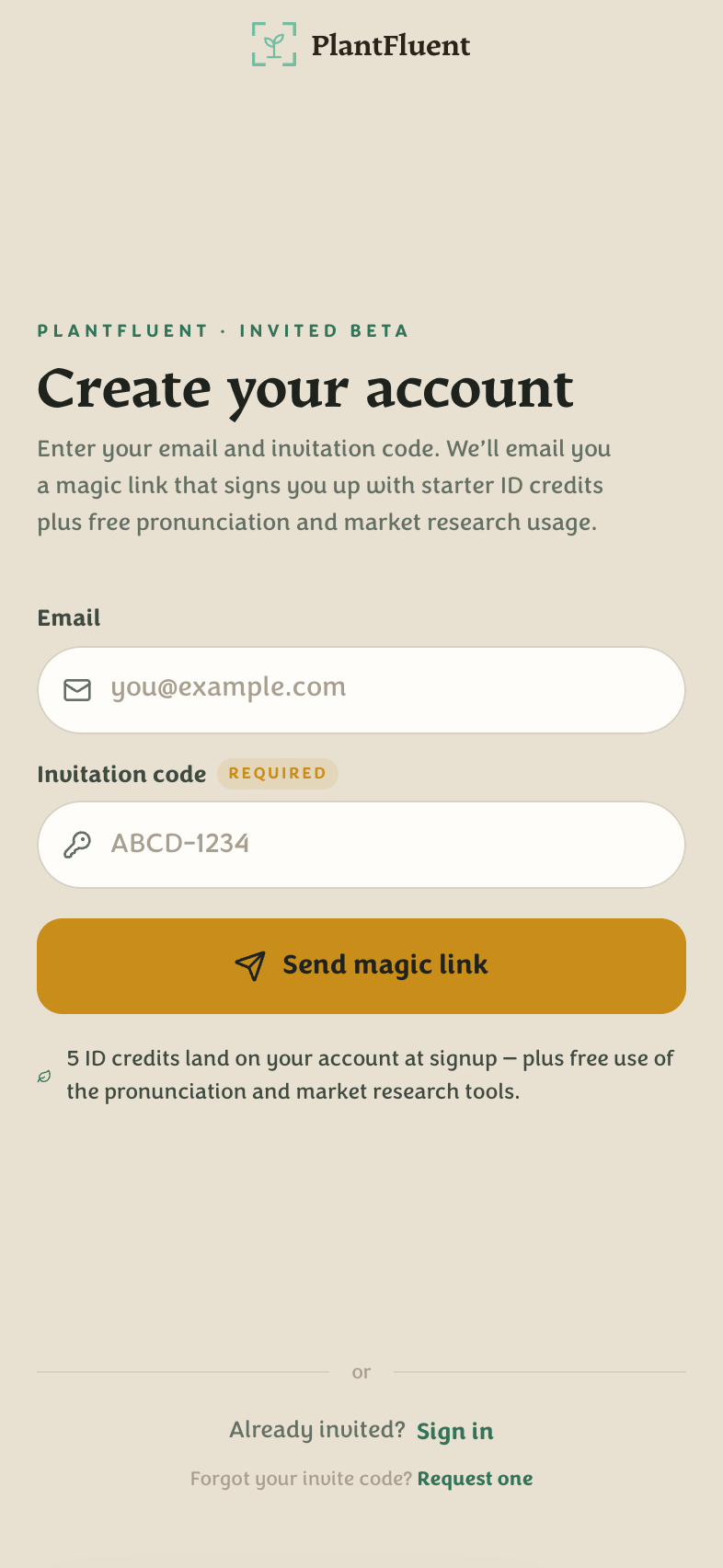
An invite code is currently required to create an account. Visit the beta page to request one, then open app.plantfluent.com/signup:
- Enter your email and the invite code, then choose Send magic link.
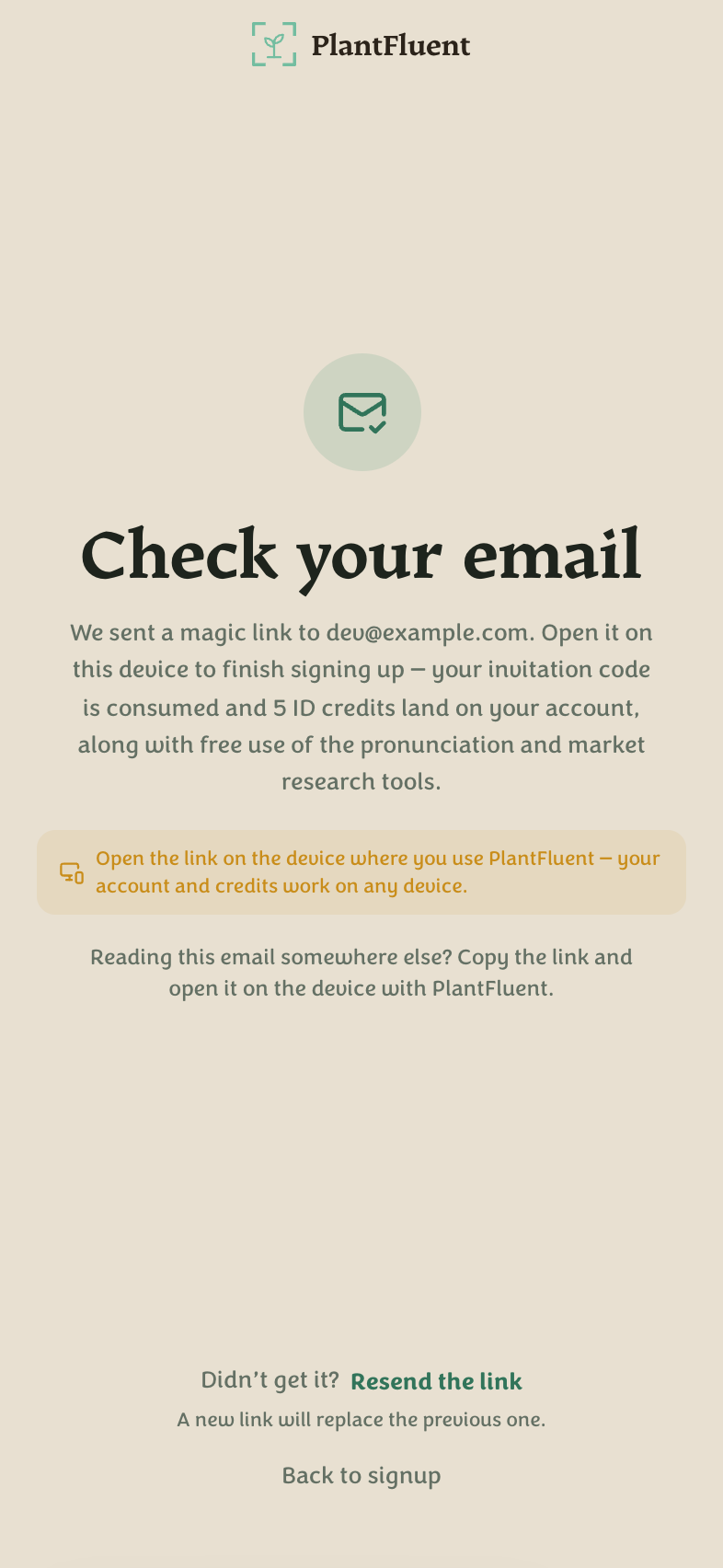
- Click the link in your email. Magic links are bound to the device that requested them — open the email on the same phone or browser.
- Your account is created and 5 free identification credits land automatically.
Next time, just use Sign in with your email — no password anywhere.
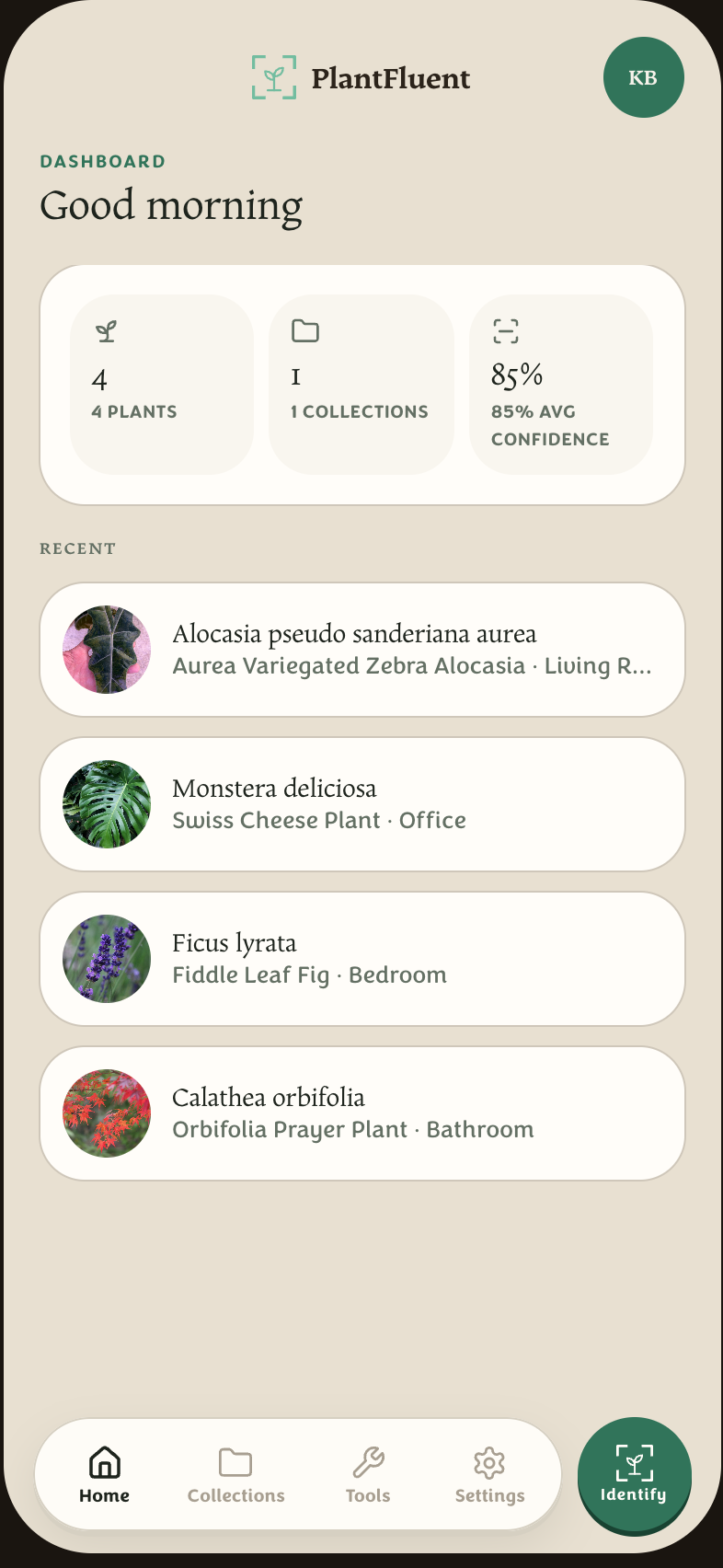
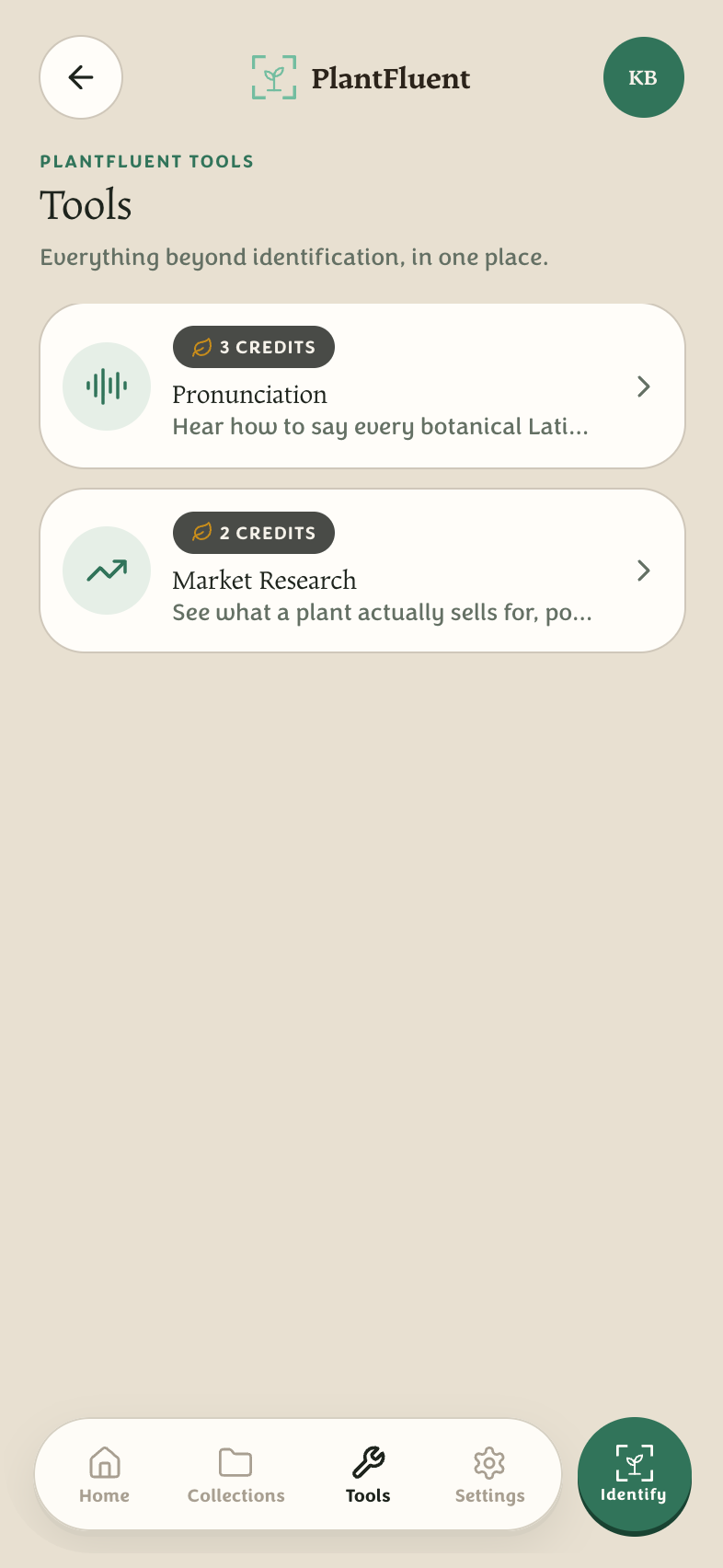
The dock at the bottom of every screen is the whole app: Home · Collections · Tools · Settings, with the gold Identify button always within reach.
Identify a plant
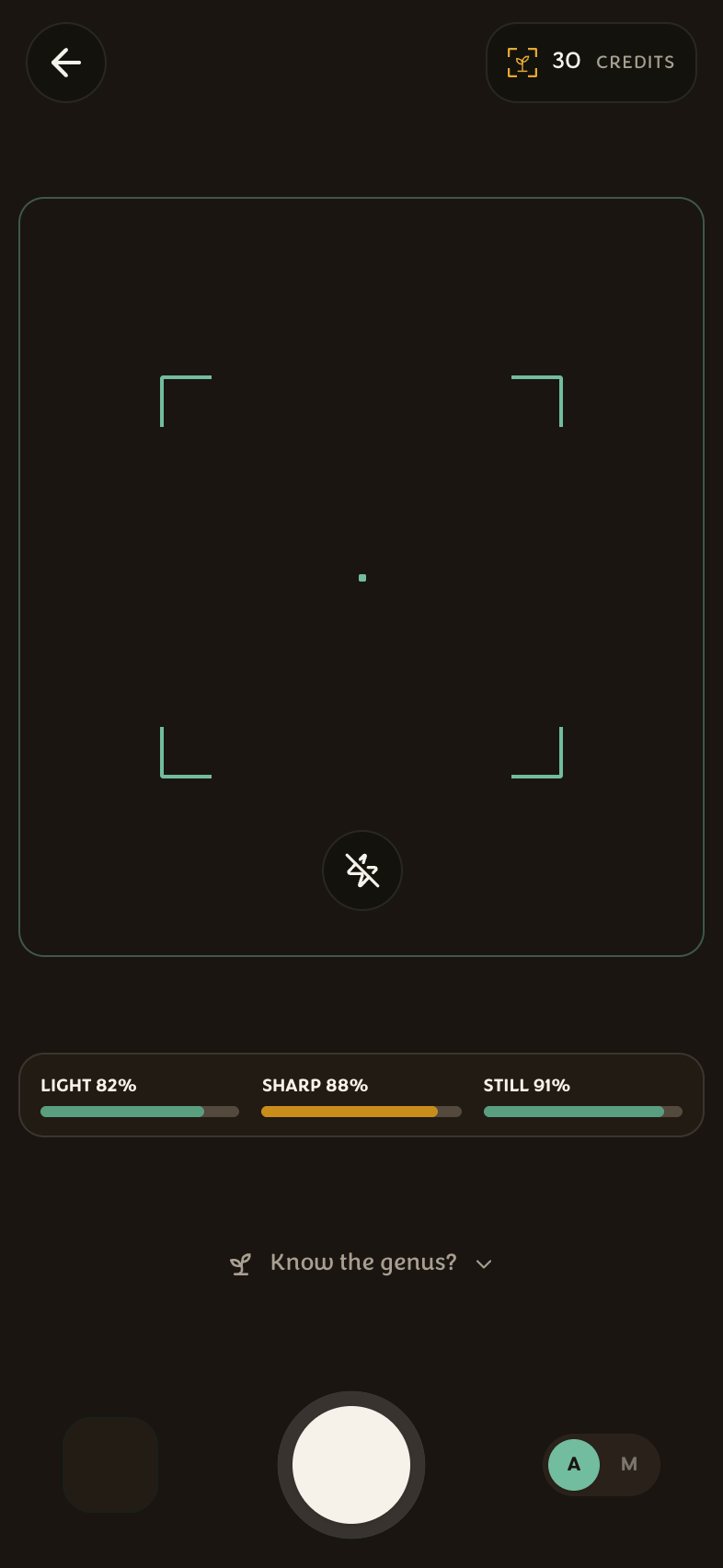
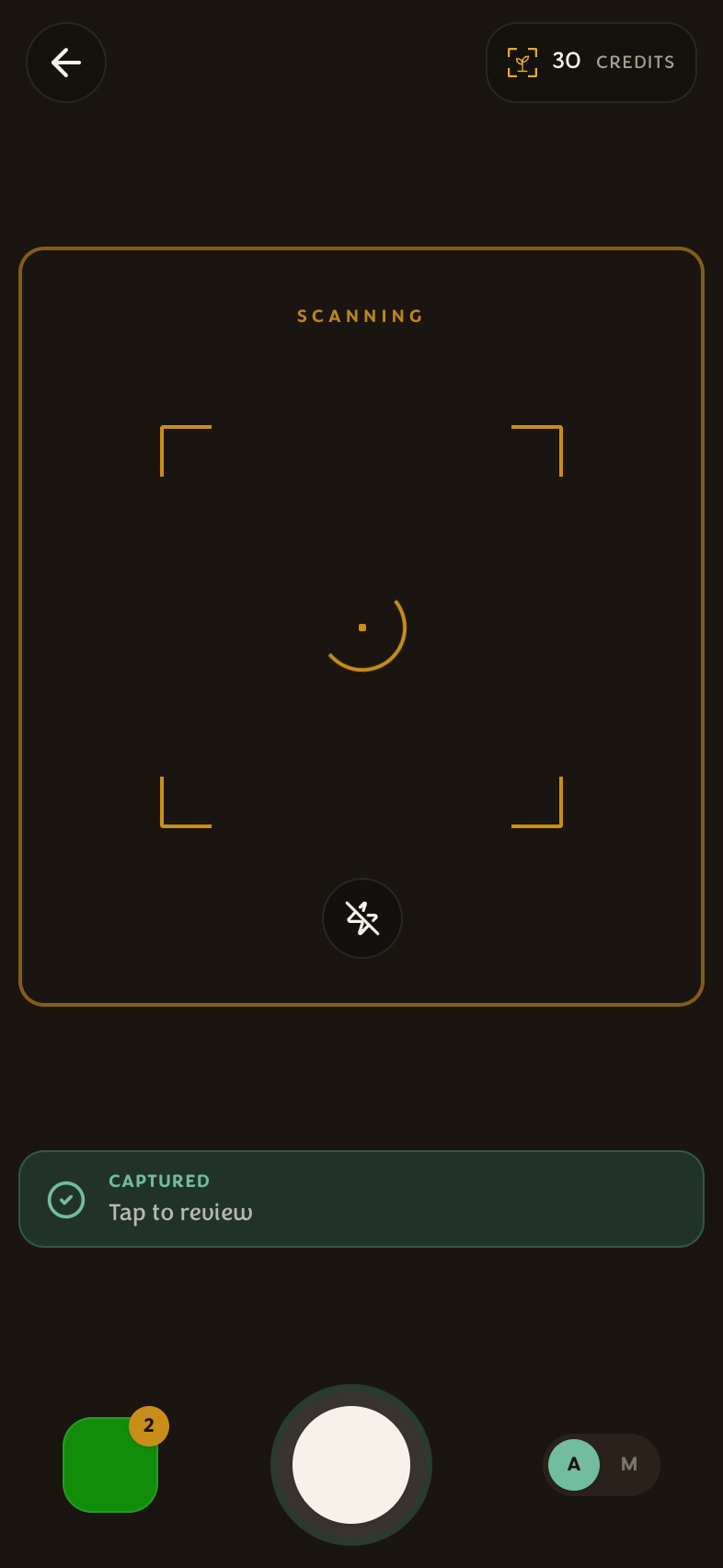
Press Identify and photograph the plant. The scan runs the hosted AI pipeline — a botanical ensemble with a verified-admission check, so the answer is grounded, not a guess.
- One ID costs 1 credit. Multiple photos of the same plant are one answer — the gallery sheet (up to 3 photos) helps the model when leaves, habit, or flowers disagree.
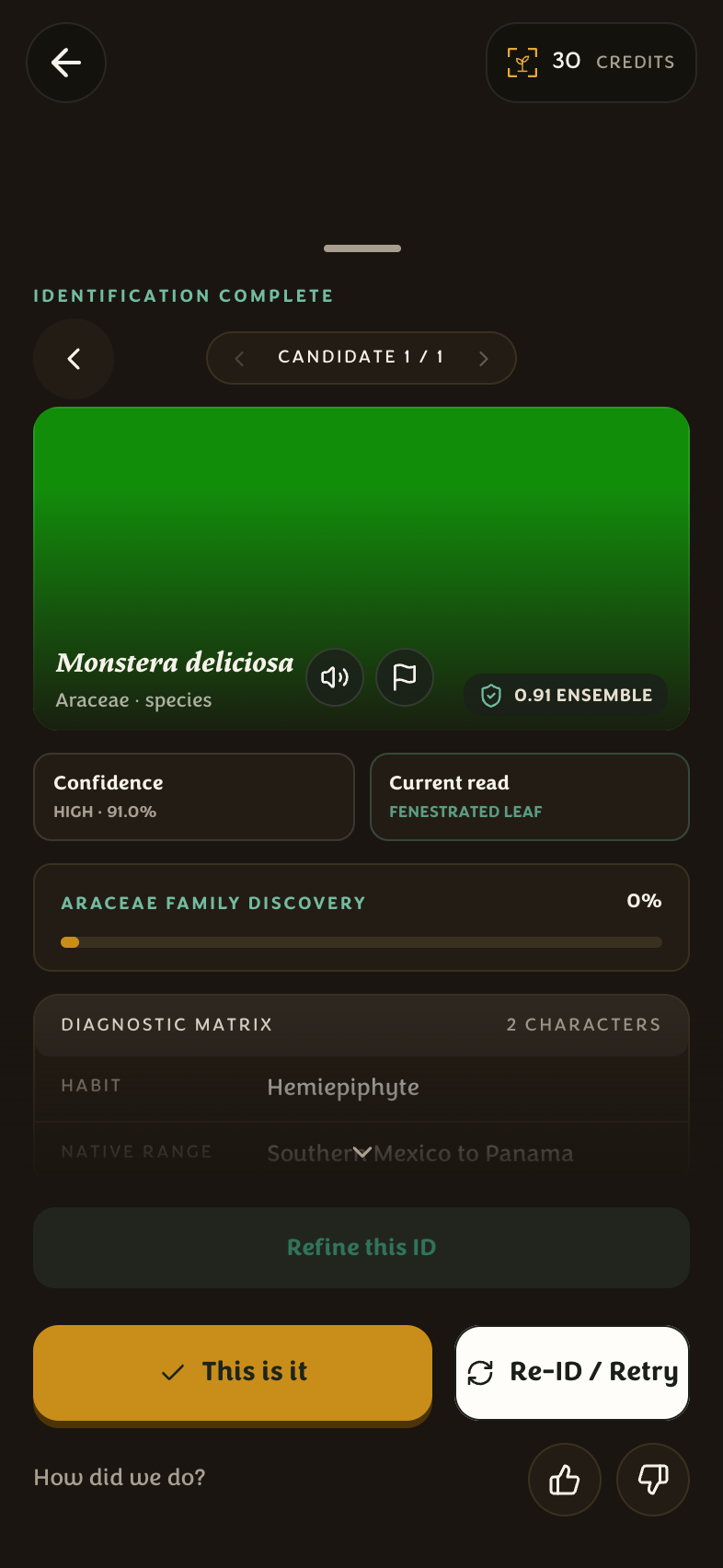
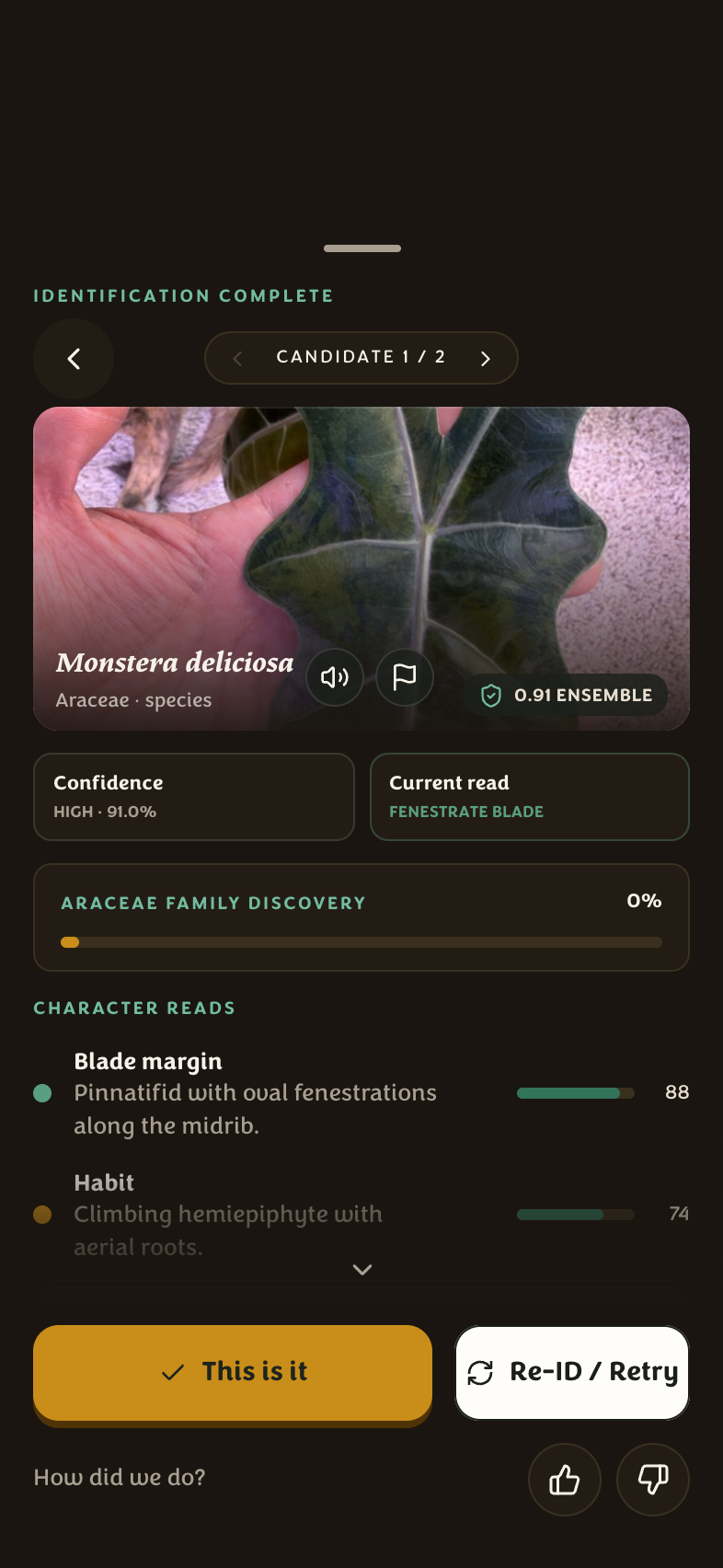
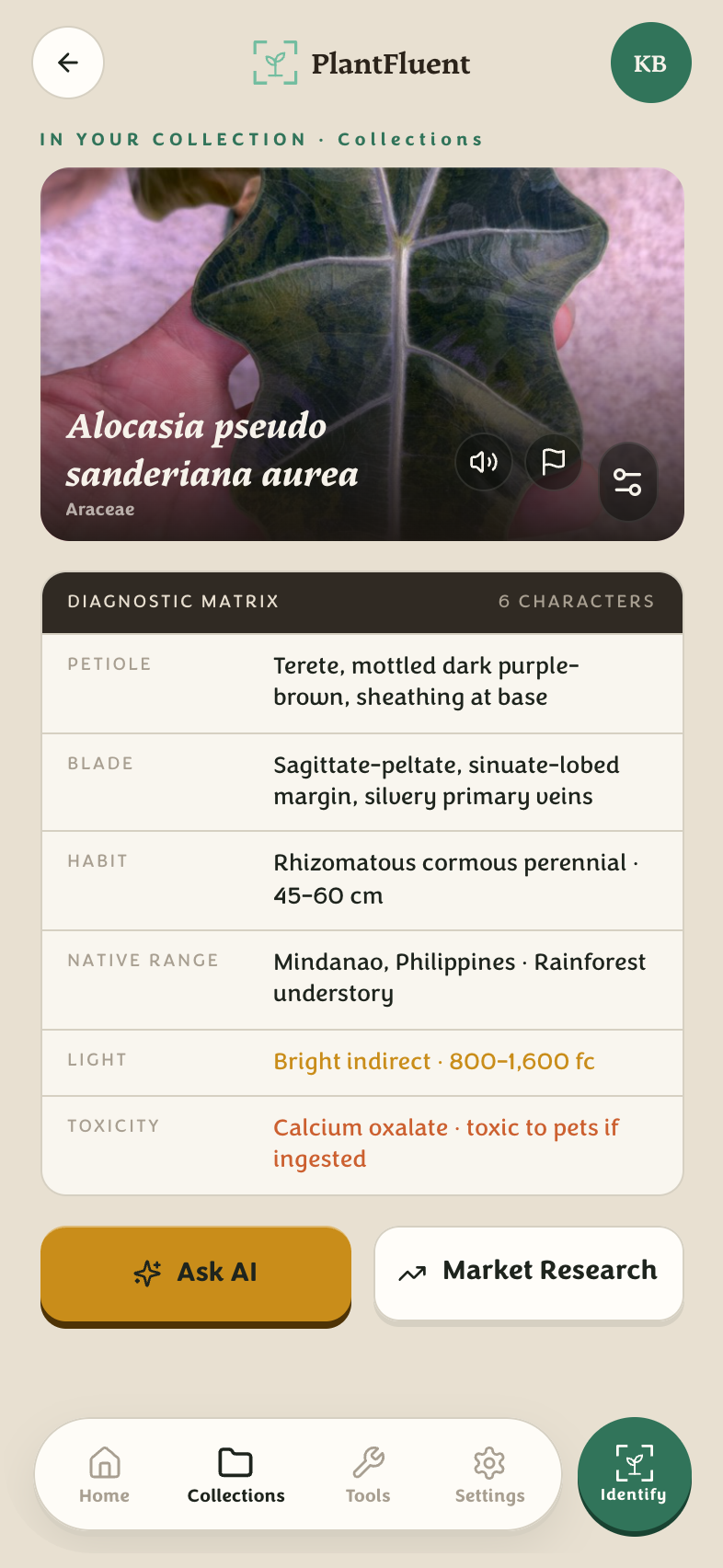
- The result names the plant, its family, and a diagnosis matrix (petiole, blade, habit, native range, light, toxicity).
- If two candidates are close, the result sheet shows both — you confirm the right one, and confirmations teach the review queue.
- Out of credits? The capture screen tells you honestly and links straight to pricing.
Your collection journal
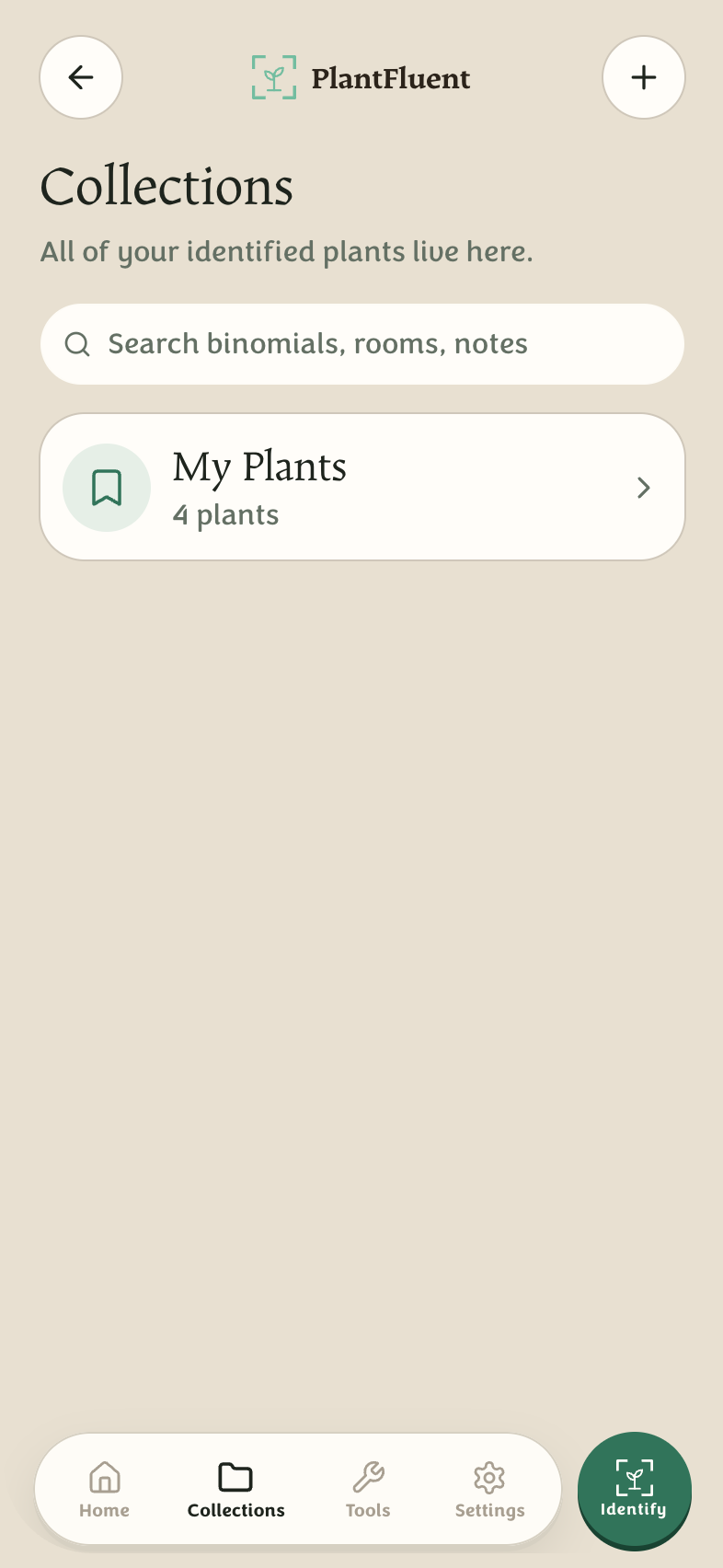
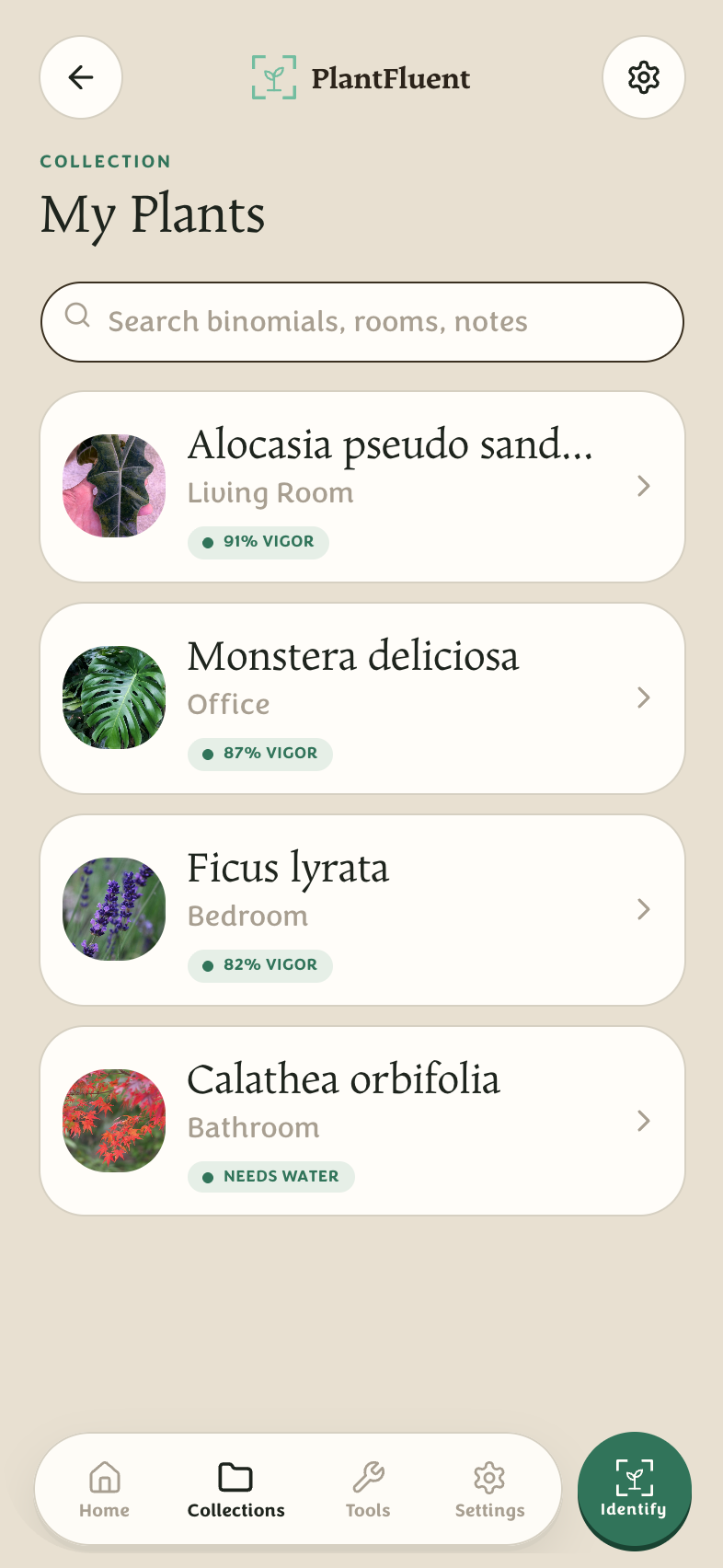
Every identified plant can be saved into a collection — think of them as beds, shelves, or rooms. Home is your dashboard; Collections is the journal.
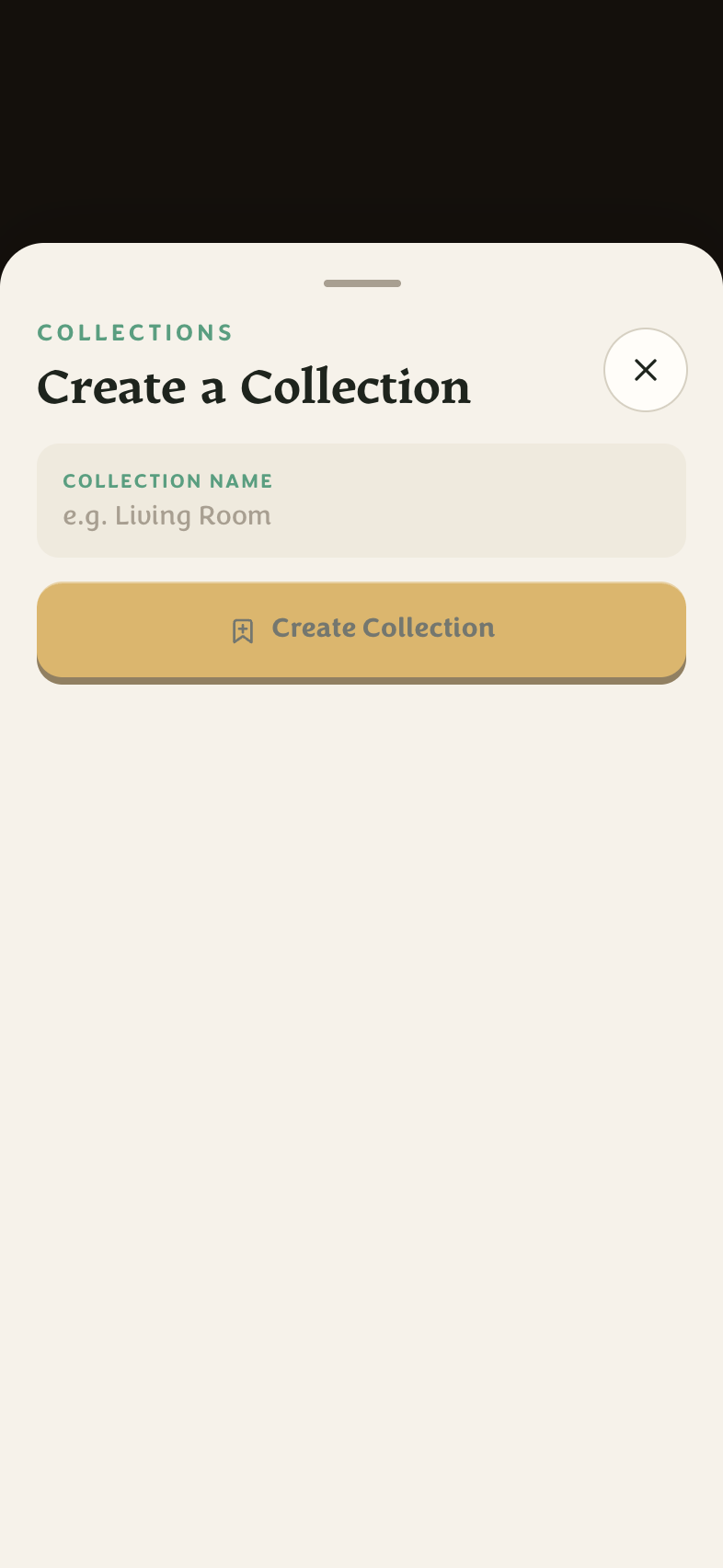
- Tap Create collection to make one (“Front porch”, “Propagation tray”…), then save identified plants into it.
- A plant page keeps the full identification record: photos, the accepted name, the diagnostic matrix, and care notes.
- The pencil opens Edit (nickname, note, remove); the sliders icon opens Plant settings for per-plant options. Removal asks twice — double-tap to confirm, so nothing disappears by accident.
Botanical pronunciation
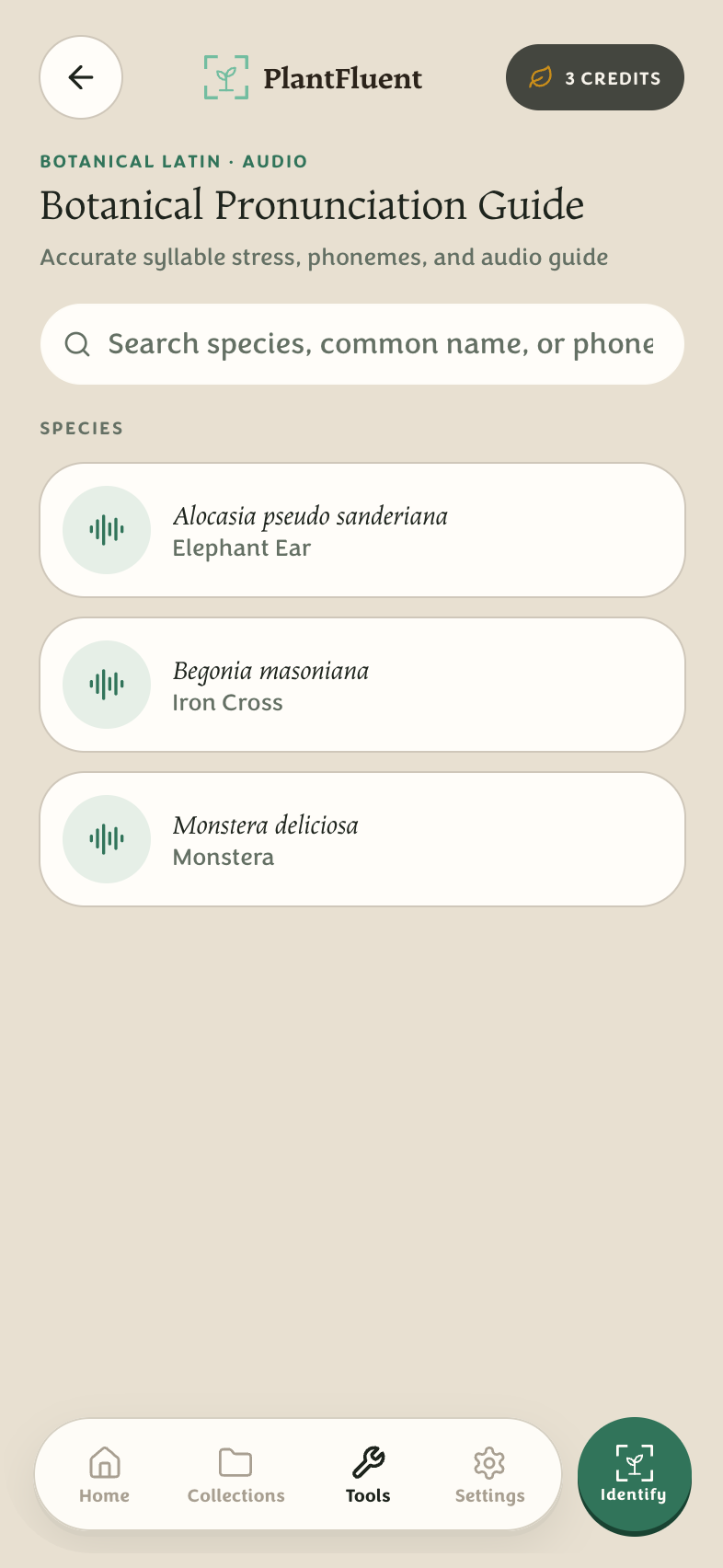
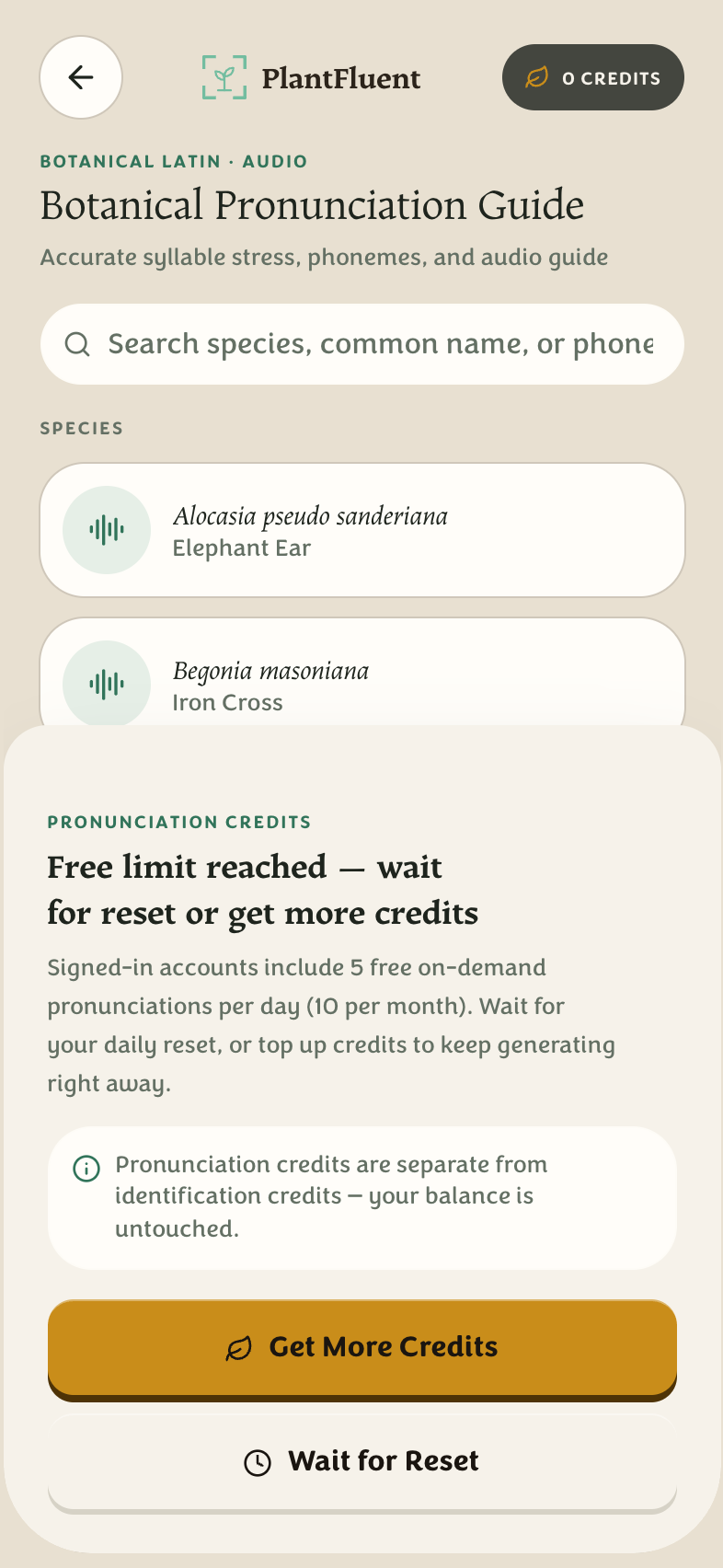
Latin names are meant to be said out loud. The Pronunciation guide (Tools tab) gives every cataloged species its correct reading — syllable stress, phonemes, and audio you can play at any speed.
- Search by scientific name, common name, or sound-it-out respelling. A Two ways to say it badge marks names with a formal reading and an everyday one (when the epithet honors a person).
- Any species page in your collection has a speaker button too — hear the name you just identified.
- No account is needed to browse and listen to cataloged names. On-demand generated pronunciations (a name that isn't in the catalog) come with a free allowance, then ask for an account.
Market research
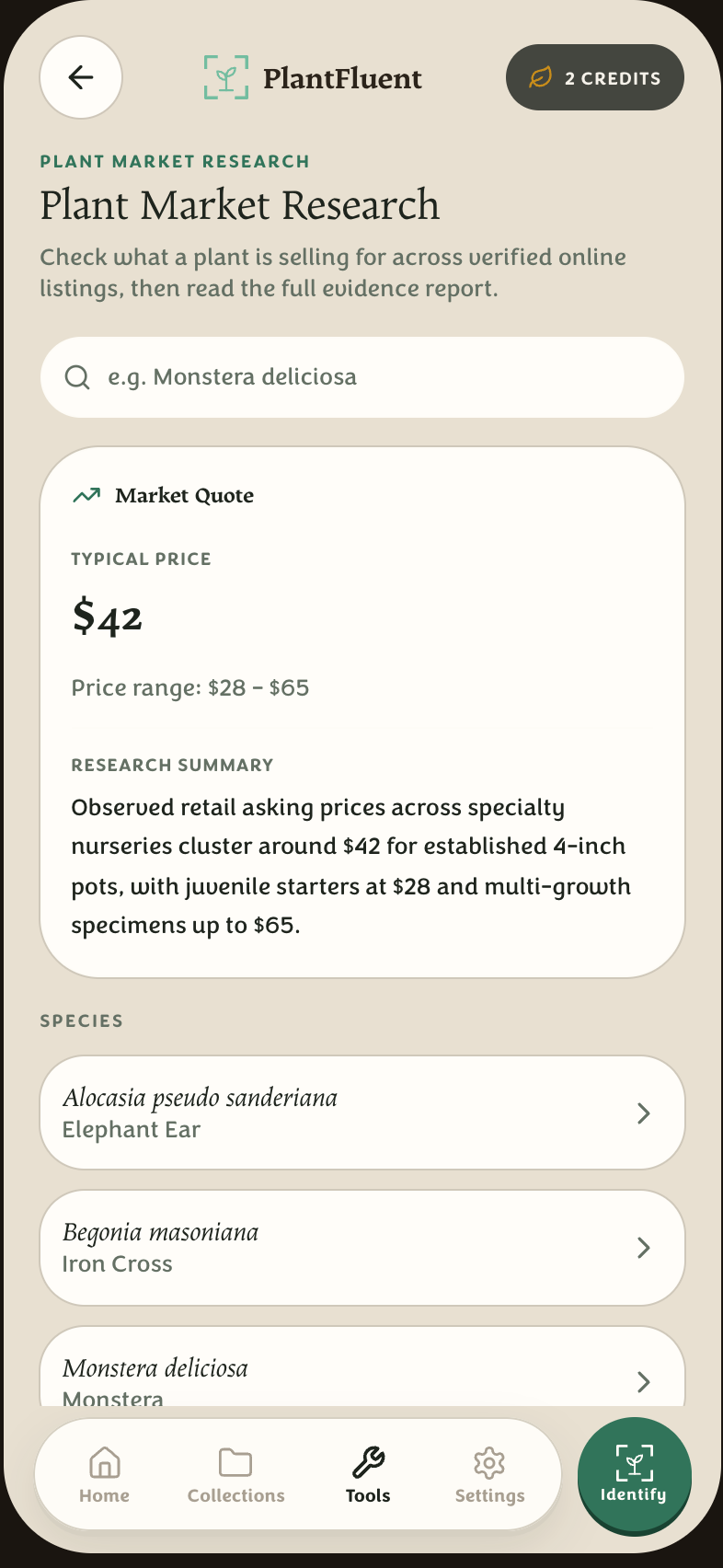
Wondering what a plant sells for? Market Research (Tools tab) checks verified online listings and reads you the market:
- A quote shows the typical price and the low–high range, with every source linked.
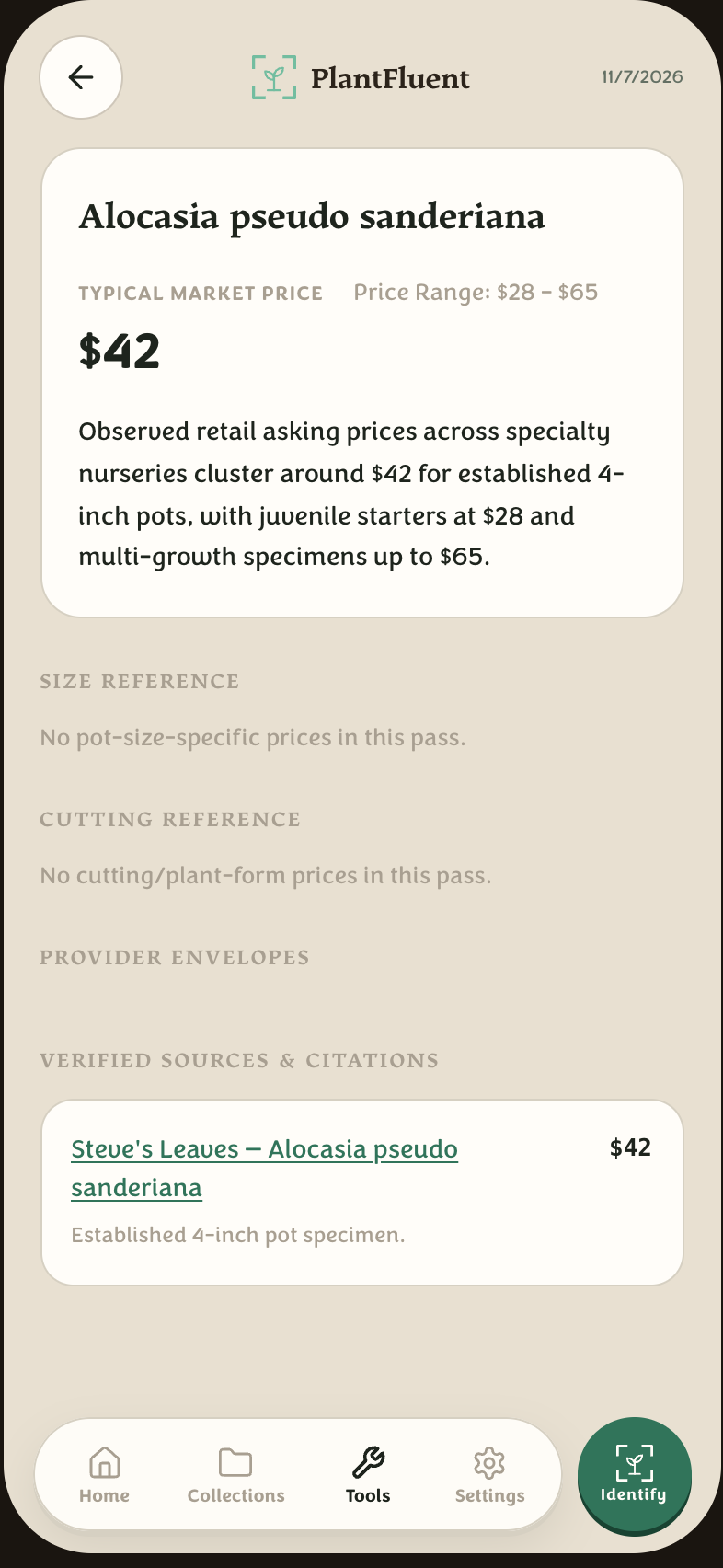
- Open the full report for the evidence trail: each listing, the reasoning, and the caveats — signed into the app or readable publicly as a shareable link.
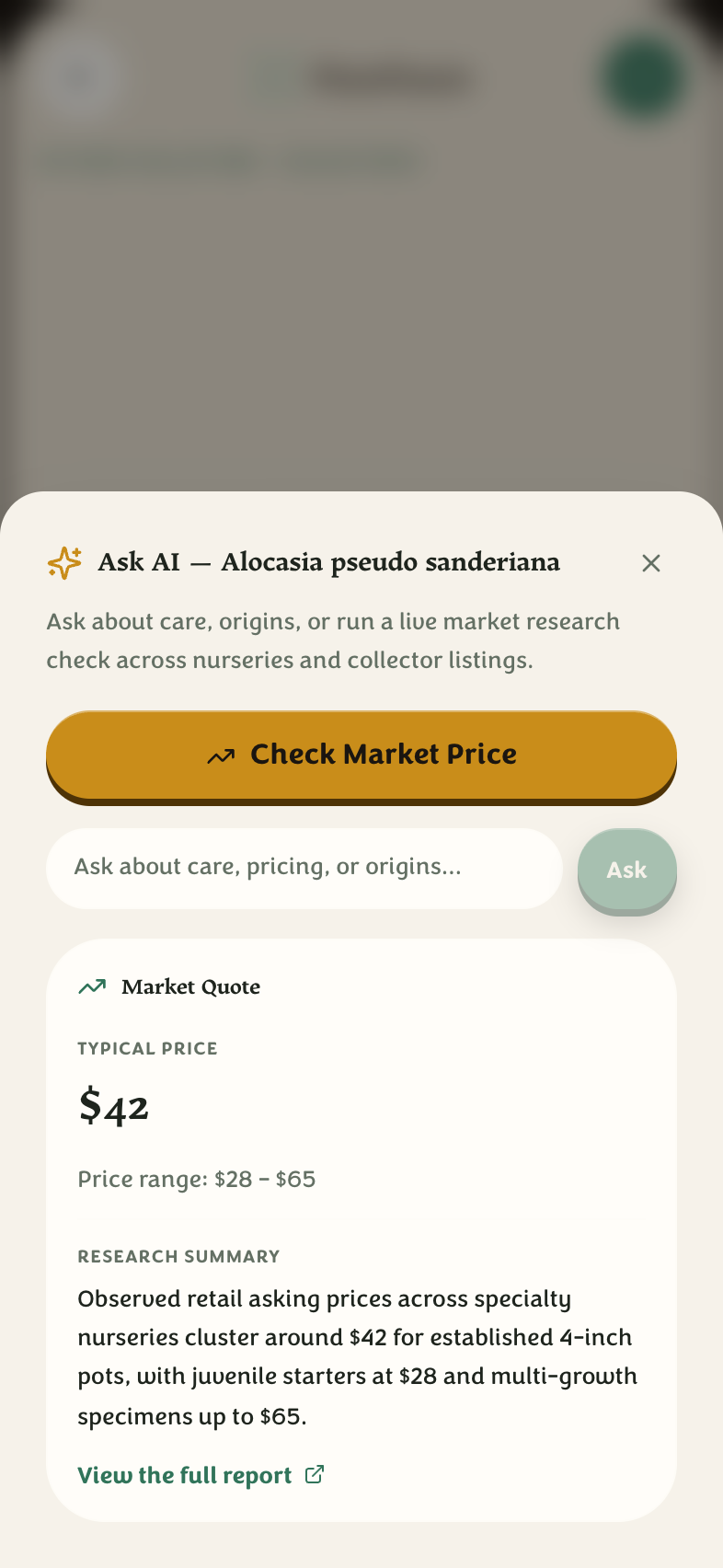
- Ask AI on any plant page answers plain-English questions (“is this safe near cats?”) with citations, and can pull a market quote right in the sheet.
Credits, pricing, and your account
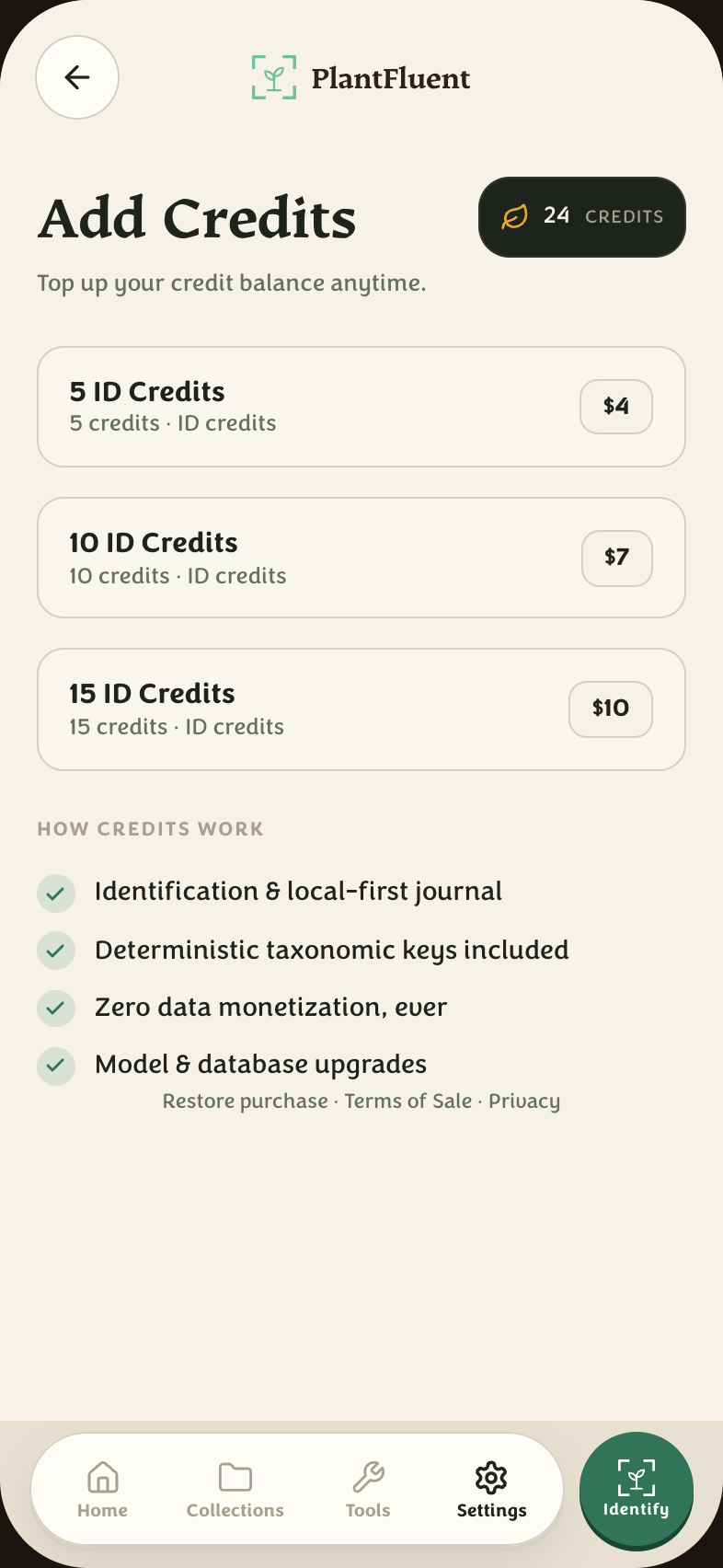
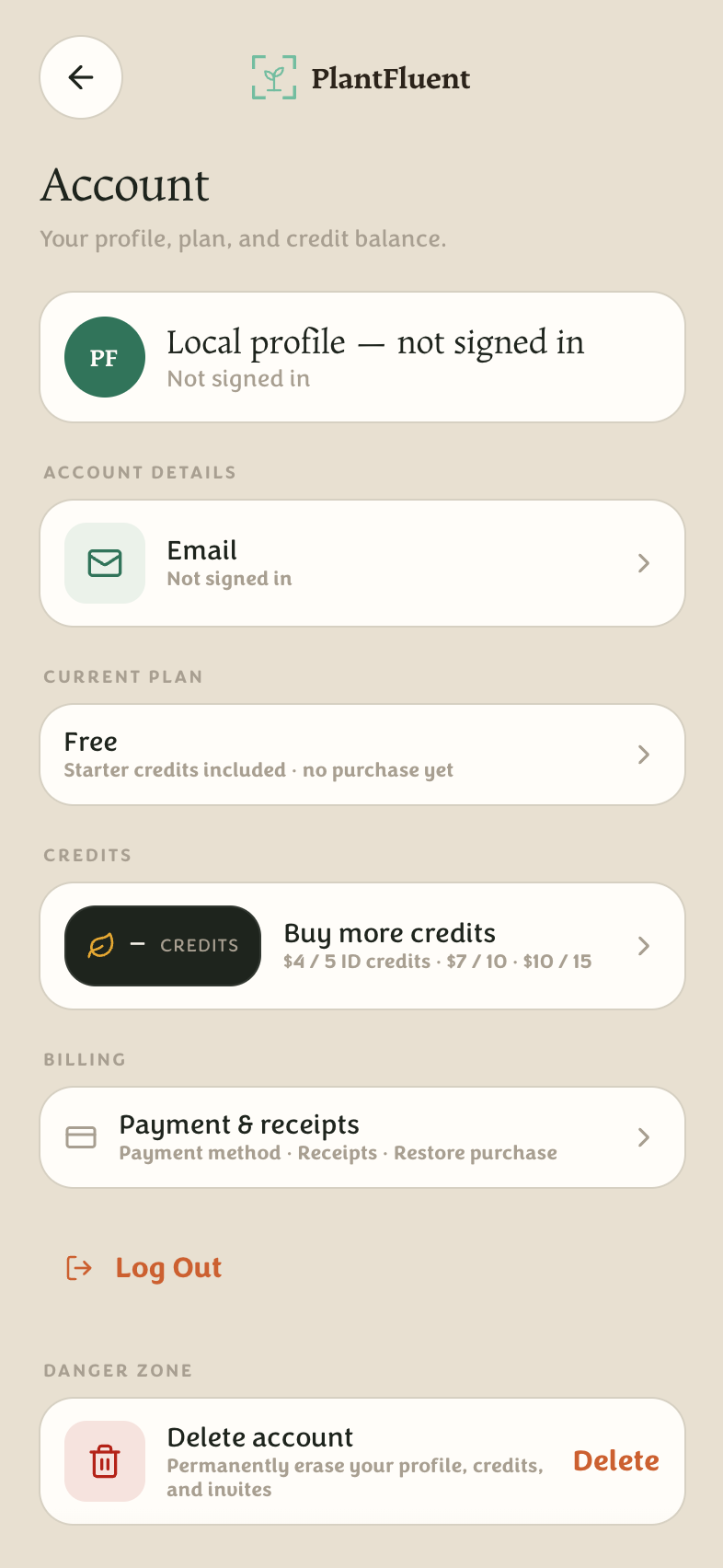
The gold pill in the header shows your balance. One credit = one plant lookup. Pricing in one line:
- Starter grant: 5 credits free when you sign up.
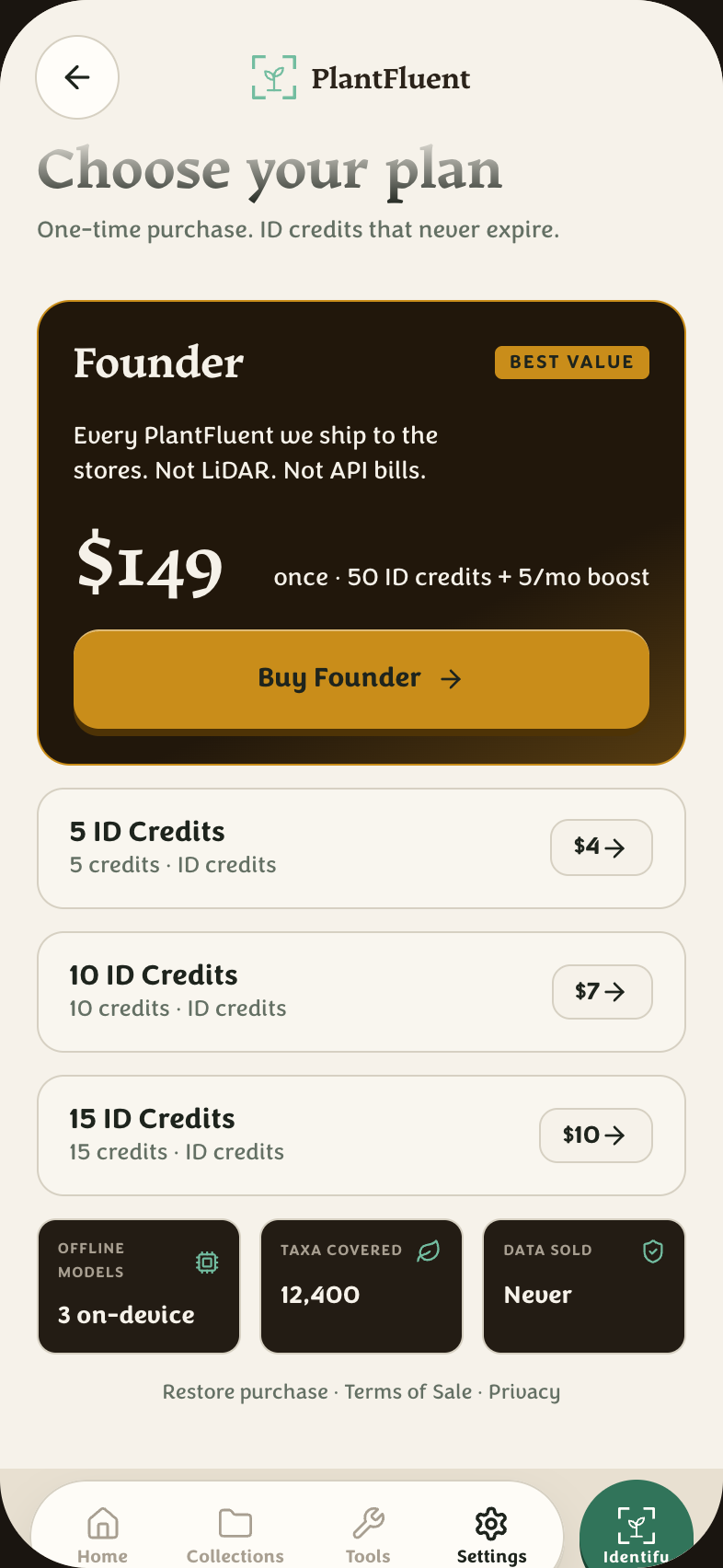
- Top-up packs: 5 / $4 · 10 / $7 · 15 / $10 — they never expire.
- Founder — $149 once: 50 credits plus 5 more every month, with no recurring charge. Not a subscription.
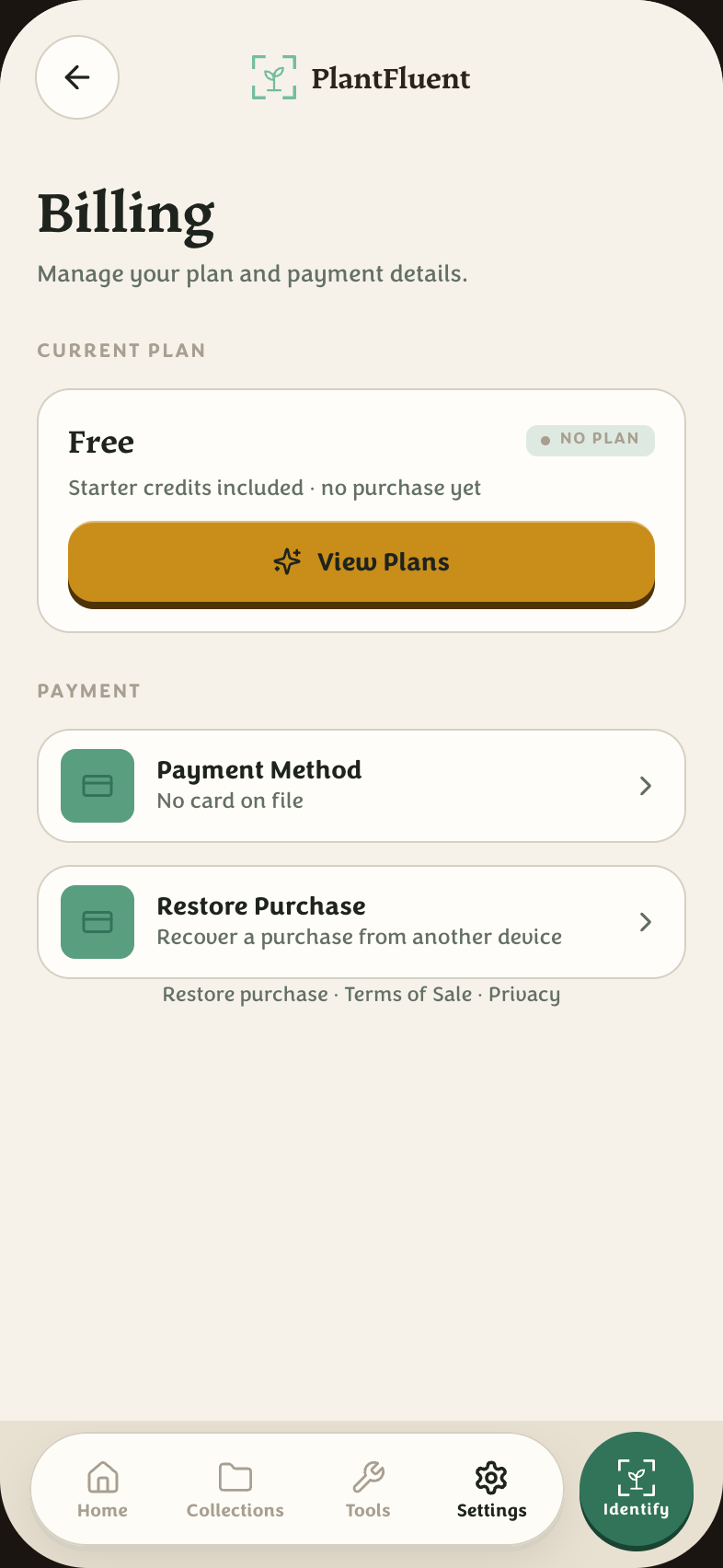
Credits, billing, and your account live under Settings. You can delete your account (and its data) from Account → Delete account.
A full walkthrough — 5 minutes
- Sign up with an invite code → your account opens on Home with 5 credits on the header pill.
- Tap Identify, photograph a plant → wait for the scan (a second or two) → read the result and its diagnostic matrix.
- Press Save to collection, pick “My Plants” (created for you) or a new one → the plant lands in your journal with its full record.
- On the plant page, tap the speaker to hear the botanical name said properly, and Ask AI for care questions.
- Open Tools → Market research, search the same name → see what it sells for, sources included.
- When credits run low, Settings → Credits has the packs; Founder is one tap on Purchase.
Quick answers
- Do I need an account?
- Browsing the pronunciation catalog and (some) market reports is open. Identifying and saving plants need an account — every ID spends a hosted credit from your balance.
- What counts as “one credit”?
- One plant lookup — even with multiple photos of the same plant. Re-viewing a saved plant's record costs nothing.
- Is my data private?
- Your photos and journal entries are yours; account deletion and data export are built in. See Privacy.
- Where do I get help?
- Support — email help@plantfluent.com and a human replies.
Screenshots are of the live app at the time of writing; small details may have moved on.